
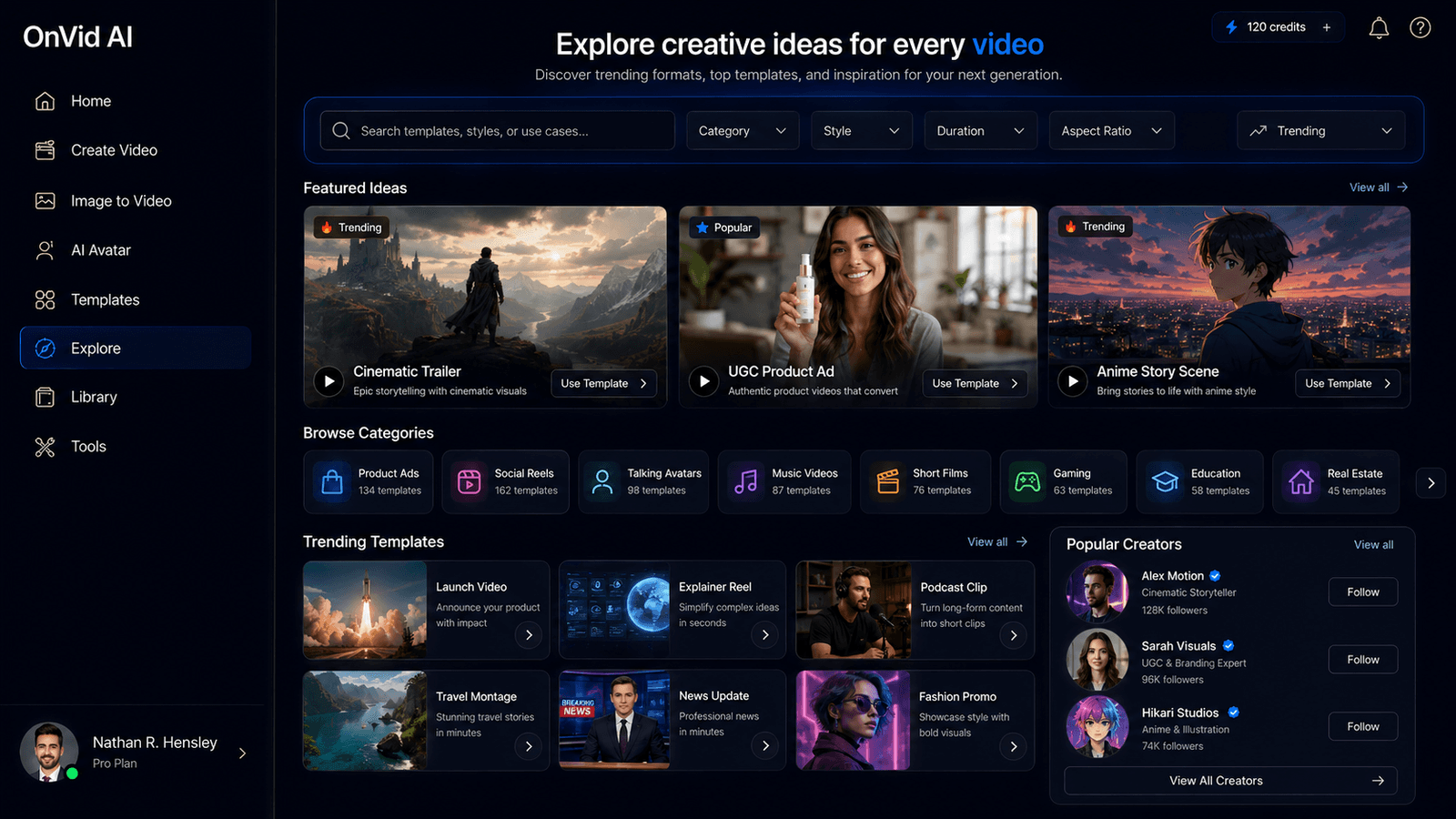
# OnVid — AI Video Generator
OnVid is an AI-powered video generator that lets anyone create videos from a simple text prompt or an uploaded image. Instead of recording footage, hiring actors, or learning complicated video-editing software, users can describe the video they want and let AI generate it in seconds. OnVid is designed for creators, marketers, businesses, social media users, and anyone who wants to turn an idea or photo into a shareable video quickly.
The platform brings multiple leading AI video models together in one place, including Kling, Veo, Seedance, Hailuo, FLUX, MiniMax, and others. This gives users the flexibility to choose different models depending on whether they want cinematic visuals, realistic scenes, expressive motion, native audio, higher resolution, or faster generation.
OnVid supports both text-to-video and image-to-video generation. You can write a prompt describing a scene, character, product, story, advertisement, or creative concept, or upload an existing photo and use AI to add movement, camera motion, and depth. Users can also select the desired video length and visual style, including cinematic, anime, and realistic looks.
The tool is particularly useful for social media content, creative experiments, personal projects, marketing videos, product concepts, short stories, and visual content that would normally require filming or extensive editing. Generated videos can be downloaded in HD and shared through a link, making it easy to move from an idea to a finished piece of content without a traditional production workflow.
## Frequently Asked Questions
### What is OnVid?
OnVid is an AI video generator that creates videos from text prompts or images. It combines multiple AI video models into one platform, allowing users to generate and experiment with different types of AI-generated video.
### How does OnVid work?
You start by describing the video you want with a text prompt or by uploading a photo. You then select options such as the video length and visual style. OnVid processes the input with an AI video model and produces a finished video that you can download or share.
### Can OnVid turn an image into a video?
Yes. OnVid includes an image-to-video workflow that can animate a single photo by adding movement, camera motion, and visual depth. This can be useful for turning photos of people, pets, products, landscapes, or travel memories into short videos.
### Can I create videos from text?
Yes. OnVid supports text-to-video generation. Simply describe the scene, action, characters, environment, or visual style you want, and the AI generates a video based on your prompt.
### What AI video models does OnVid support?
OnVid provides access to multiple AI video models, including Kling 3.0, Veo 3.1, Seedance 2.0, Seedance 2.5, Hailuo 2.3, FLUX 3, MiniMax H3, and Grok Imagine, with available capabilities varying by model.
### Who can use OnVid?
OnVid is suitable for content creators, marketers, businesses, social media users, YouTube creators, and casual users who want to create AI videos without traditional filming or advanced editing skills.
### Do I need video editing experience?
No. OnVid is designed to provide a simple workflow where you provide a prompt or image, choose your settings, generate the video, and then download or share the result.
### Can I use OnVid for social media videos?
Yes. OnVid can be used to create short, shareable AI videos for social media, creative posts, advertisements, entertainment, and other online content.
### Is OnVid free?
OnVid promotes a free AI video generator, allowing users to start creating AI videos without traditional video-production equipment or software. Available generation limits and features may depend on the current plan or account.
### Why use OnVid instead of a traditional video editor?
Traditional video production can require cameras, footage, actors, editing software, and significant time. OnVid focuses on generating the visual content itself from a prompt or image, making it useful when you want to quickly turn an idea into a video without creating the footage manually.